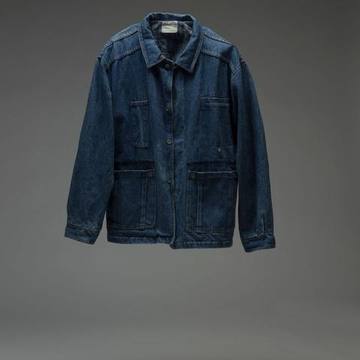
The frictionShoppers can’t describe what they want in filters.
Personal shopping at scale
Use the shopper's needs and preferences to narrow the catalog without asking them to master filters.
 Ask Miyya
AI shopping assistant by Niraltek
Ask Miyya
AI shopping assistant by Niraltek
Miyya turns product questions into guided discovery, relevant recommendations and confident buying decisions. Give every visitor an easier path through your catalog, while your team learns what shoppers need.
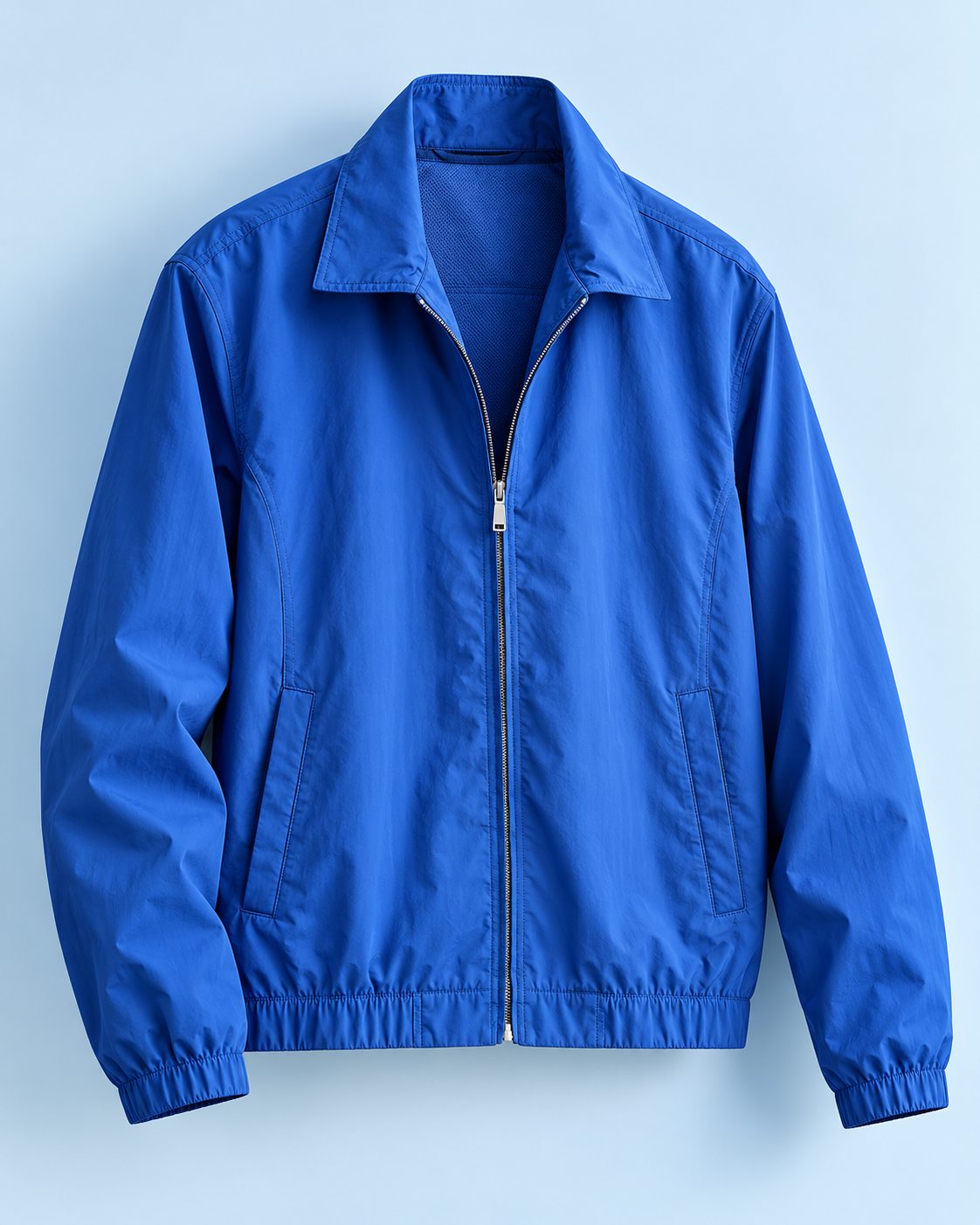
Sizes, colors, fit and product details belong in the same conversation. Miyya keeps the shopper's preferences in mind and can refer to connected catalog data when presenting an option.
Shoppers can compare the options that matter to them, ask for an alternative and discover a sensible pairing. The goal is a shorter route from consideration to cart.

A pairing that follows the shopper's earlier jacket request.
See the conversations behind product interest, repeated objections and missed searches. Track AI usage and credits in the same dashboard used to manage your store connection.
Signals Miyya captured in this conversation
Illustrative
I need a jacket for weekend travel.Intent Suggested action: Feature light layers on travel pages
Blue, size M, and something lightweight.Preference Suggested action: Surface blue, size M options first
Is size M available, and what colors are there?Availability Suggested action: Keep size and color availability clear on the product page
Could I compare it and see something to wear with it?Pairing Suggested action: Bundle the jacket with the cream sneakers
Miyya is an AI Shopping Assistant: a conversational layer over your store catalog. It understands a shopper's goal, asks for missing details, presents relevant products and supports the decision that follows. For a WooCommerce merchant, that means the product feed, variations and shopping context can shape each answer.
Shoppers rarely arrive with a perfect product name. Give them a path from an uncertain question to a considered choice, while your team gains useful signals from each interaction.
The frictionShoppers can’t describe what they want in filters.
Use the shopper's needs and preferences to narrow the catalog without asking them to master filters.
The frictionHesitation stalls the purchase.
Explain fit, features and differences at the moment hesitation appears, helping visitors move forward.
The frictionAdd-on suggestions feel random.
Suggest complementary products and bundles when they genuinely serve the shopper's original goal.
The frictionEvery new question means starting over.
Keep discovery, comparison and purchase questions in one thread instead of making visitors start over.
The frictionRoutine questions queue up for your team.
Handle routine product questions promptly and reserve human attention for exceptions and higher-value help.
The frictionVisitors leave without a trace of what they wanted.
A useful experience builds trust. Understand recurring interests to improve merchandising and future visits.
At each step, Miyya pairs the shopper's goal with an appropriate response and a clear business purpose. The exact journey can be tailored to your catalog and checkout flow.
Understand the need before showing products.
Customer goalFind a useful starting point
Shopper says: “Hi, I’m not sure where to start.”
Miyya respondsOffer a relevant prompt or invite a natural question.
Engagement begins without a complicated search.
Customer goalDescribe a need in plain language
Shopper says: “I need a jacket for weekend travel.”
Miyya respondsClarify category, use, size, budget and preferences.
A more focused product set.
Customer goalSee suitable choices
Shopper says: “Blue, size M, and something lightweight.”
Miyya respondsShow products with a brief reason each one fits.
Relevant items gain visibility.
Resolve doubts and narrow to one choice.
Customer goalResolve doubts
Shopper says: “Is size M available, and what colors are there?”
Miyya respondsAnswer catalog-backed questions on details and variants.
Less friction before selection.
Customer goalUnderstand tradeoffs
Shopper says: “Could I compare it with another style?”
Miyya respondsCompare shortlisted items on the attributes that matter.
A clearer buying decision.
Customer goalChoose a favorite
Shopper says: “I’ll take the blue one. What goes with it?”
Miyya respondsRemember the shortlist and suggest a fitting alternative or add-on.
More relevant basket opportunities.
Hand a confident shopper to your cart.
Customer goalComplete the next step
Shopper says: “Add it in size M.”
Miyya respondsGuide the shopper to the selected variant and cart action.
A smoother path to checkout.
The lightweight layerBlue · Size M · chosen in conversationThe clean cream sneakerSuggested pairing · added by the shopperCheckout stays in your WooCommerce store. Prices and stock come from the connected catalog.
Start with product discovery and expand to the buying and service workflows that suit your store.
Interpret natural language and layered requests.
Shopper: “Something light for a weekend trip, in blue.”
Assistant: Here are lightweight layers that fit travel use, in blue.
Works fromCatalog sync
Show items with clear, contextual reasons.
Shopper: “Why this one?”
Assistant: It’s a lightweight layer in the blue you asked for, suited to travel.
Works fromCatalog sync
Use preferences and conversation context.
Shopper: “Show me more like the one I liked.”
Assistant: Based on your picks so far, here are similar light layers.
Works fromCatalog + conversation context
Surface differences between considered items.
Shopper: “How do these two compare?”
Assistant: Side by side on weight, fit, color options and price.
Works fromCatalog attributes
Help select a variant and reach the cart.
Shopper: “I’ll take it in M.”
Assistant: Blue, size M selected. Ready to add to your cart.
Works fromYour store’s cart flow
Check connected availability before recommending.
Shopper: “Is size M in stock?”
Assistant: Let me check the connected store before I answer.
Works fromLive inventory data
Recognize discovery, comparison and support needs.
Shopper: “Just browsing for a gift.”
Assistant: Happy to help you browse. Who is the gift for?
Works fromConversation context
Connect tracking data when an integration permits it.
Shopper: “Where is my order?”
Assistant: I can look that up once order tracking is connected.
Works fromOrder-tracking integration
Guide policy questions and approved workflows.
Shopper: “Can I return it if it doesn’t fit?”
Assistant: Here’s the store’s returns policy and how to start a return.
Works fromReturns policy & workflow
Pass context to a person when the flow calls for it.
Shopper: “I’d like to talk to a person.”
Assistant: Connecting you to the team, with this conversation attached.
Works fromSupport desk integration
Availability of service, inventory and handover workflows depends on the store's data, integrations and rollout scope.
These examples show how a conversation with Miyya can adapt to the questions shoppers actually bring.






A merchant view can connect conversational signals to product and funnel decisions: what people ask, where they hesitate and which items draw attention.
The panel shows proposed insight areas. Reporting depth depends on the connected store, consent and implementation scope.
Miyya · Merchant intelligence
Illustrative modules · sample data
What shoppers are trying to achieve.
Where conversations progress or stop.
Questions appearing again and again.
Demand the catalog did not satisfy.
Items viewed or discussed most.
Objections before checkout.
Usage, resolution and feedback.
Attribution where tracking allows.
Miyya is Niraltek's AI Shopping Assistant for WooCommerce and eCommerce stores: a conversational guide that helps visitors describe what they need, discover relevant products and resolve questions before buying. It draws on connected store information rather than a generic script.
A standard bot often follows preset support paths. This experience is designed around product discovery, evaluation, comparison and purchase decisions, while retaining the shopper's context across follow-ups.
The planned Miyya WooCommerce plugin handles store connection, product sync and widget presentation. The assistant service uses approved catalog data to guide the shopper; rollout details are confirmed during onboarding.
Answers depend on the quality and freshness of connected product and variation data. The assistant should verify availability before presenting it as fact and make uncertainty clear when a field is missing.
The intended journey supports comparing relevant items and keeping a shortlist during the session. The exact presentation can reflect your catalog's important attributes and variant structure.
It can guide selection of a product and variant and lead the shopper to the store's cart flow. Any direct cart action must use the merchant site's approved integration.
Those are configurable extensions. They require access to the appropriate order, policy or support systems and will be scoped separately from product discovery.
Merchant rules, catalog attributes and conversation guidance can shape the experience. We would agree on ranking priorities, restricted claims and escalation paths during configuration.
The merchant view is intended to cover conversation history, product interests, AI usage and credits. Further analytics depend on instrumentation, consent and the data available from the store.
We are inviting WooCommerce merchants to early access. Use “Onboard my store” to request an early-access invitation, or open the live demo store to try the assistant first; eligibility, duration and pricing will be shared before activation. There is no permanent free tier announced.
Show us your store and the questions your shoppers ask most. We will discuss an early-access trial or a tailored walkthrough and define the right starting scope together.
 See Miyya answer real shoppersLive demo store · WooCommerce
Live demo (opens in a new tab)
Onboard my store
See Miyya answer real shoppersLive demo store · WooCommerce
Live demo (opens in a new tab)
Onboard my store